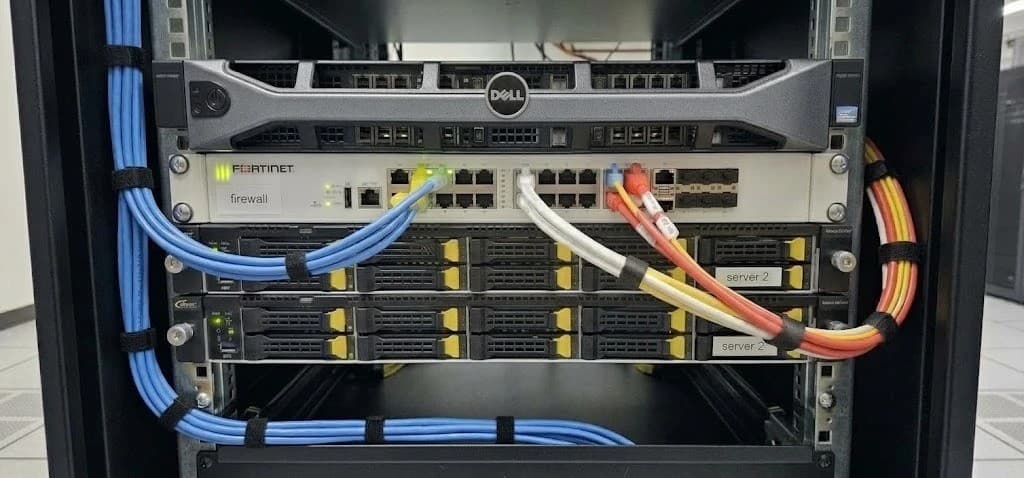
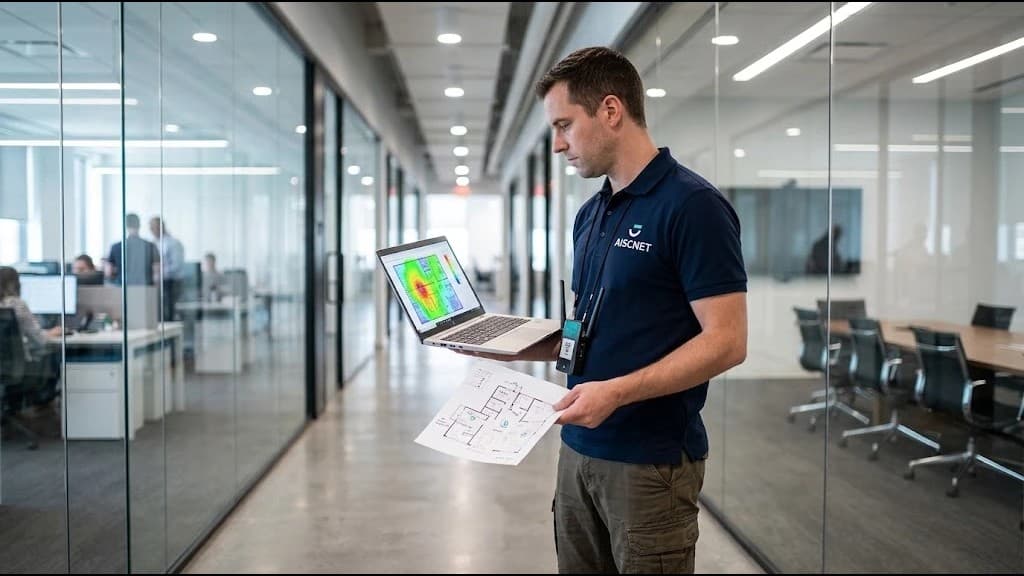
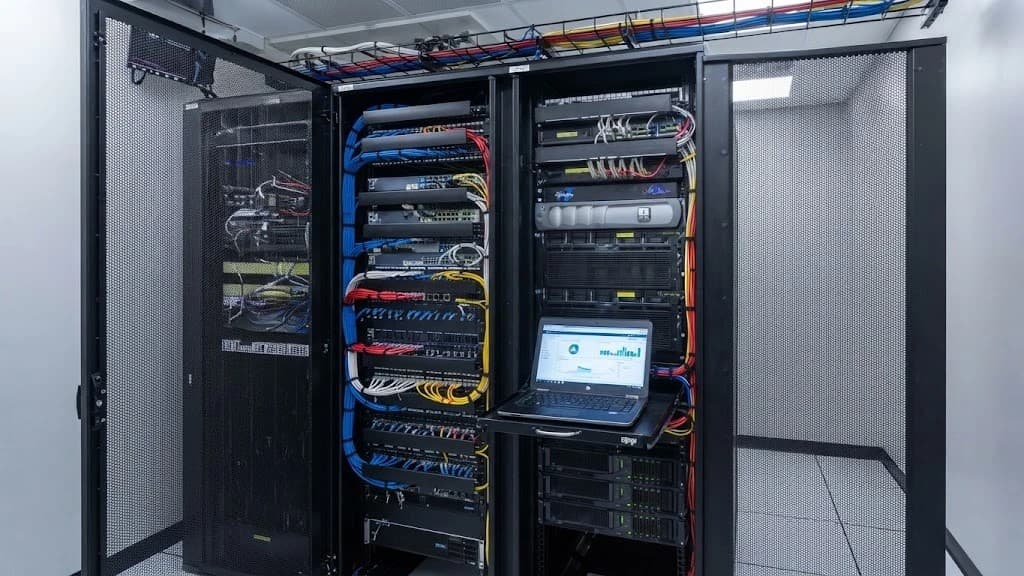
A well-segmented network: operations, guests, cameras and IoT, each in its place
On a flat network, a visitor's laptop can see the cameras and one infected device reaches them all. This is how we organize the network by function, with rules between segments, enough power and no single point of failure.
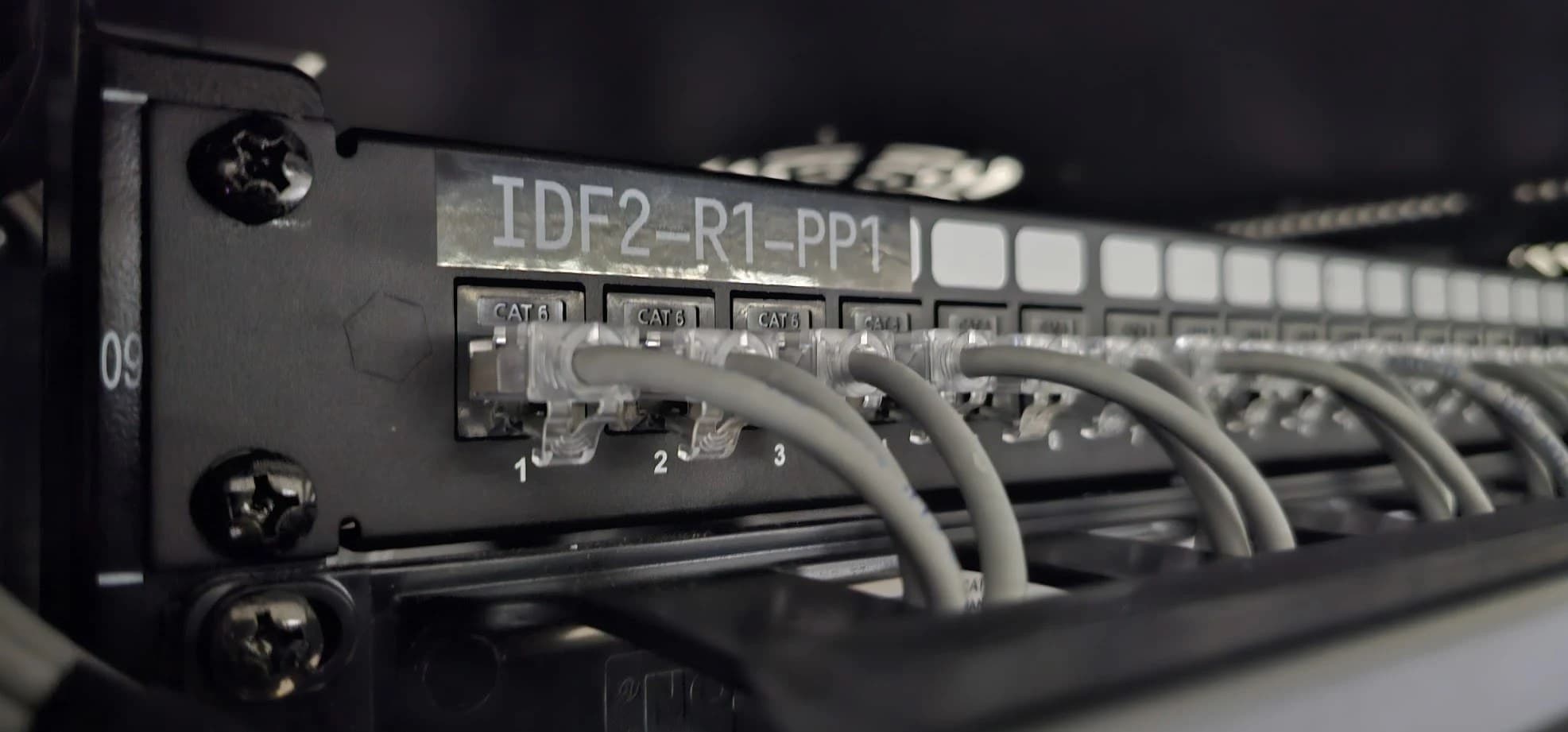
Many company networks grew bit by bit: one more switch when ports ran out, an access point for visitors, cameras installed by another supplier, access control, phones. Everything ended up on the same network. It works, until the day someone asks who else can see what happens on it.
A flat network is like an office without doors or keys: anyone who gets in can reach any room. Segmenting means putting those doors in. Each group of devices gets its own network, with clear rules on who can talk to whom.
What happens on a flat network
A guest sees the cameras
A visitor's laptop sits on the same network as the recorder, the cameras and the servers. All it takes is looking for them.
An infection spreads
A compromised computer can reach every other device, including the ones nobody updates: cameras, printers and sensors.
One switch fails and everything stops
Without backup devices or links, the failure of a central switch or a cable takes entire floors offline.
Not enough PoE
Cameras and access points are powered over the network cable. If the switch lacks the power, some of them shut down or reboot without warning.
Voice breaks up
Without priority for voice, a large download or a backup on the network is enough to make calls choppy.
Nobody knows what is connected
Without documentation, every change is a risk and every failure is diagnosed blind.
From a flat network to a segmented one
A VLAN (virtual local area network) creates several separate networks on the same switches and the same cabling. Each group of devices goes on its own and, in our designs, traffic between VLANs crosses a firewall that applies rules: what is allowed goes through; everything else does not.
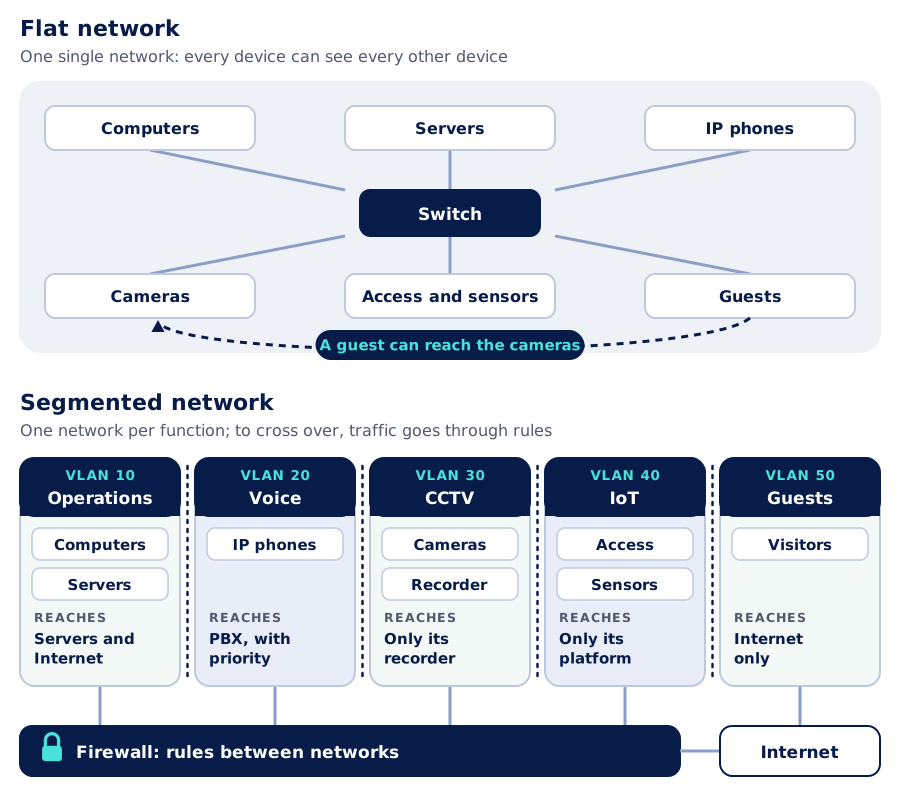
Separating does not take more cable: it is configured. What it does take is design. You have to decide which groups exist, what each one needs, and put it in writing.
An example VLAN plan
The heart of the design is a simple table: which networks exist, who goes on each and what it can reach. This is a typical plan for a mid-sized company:
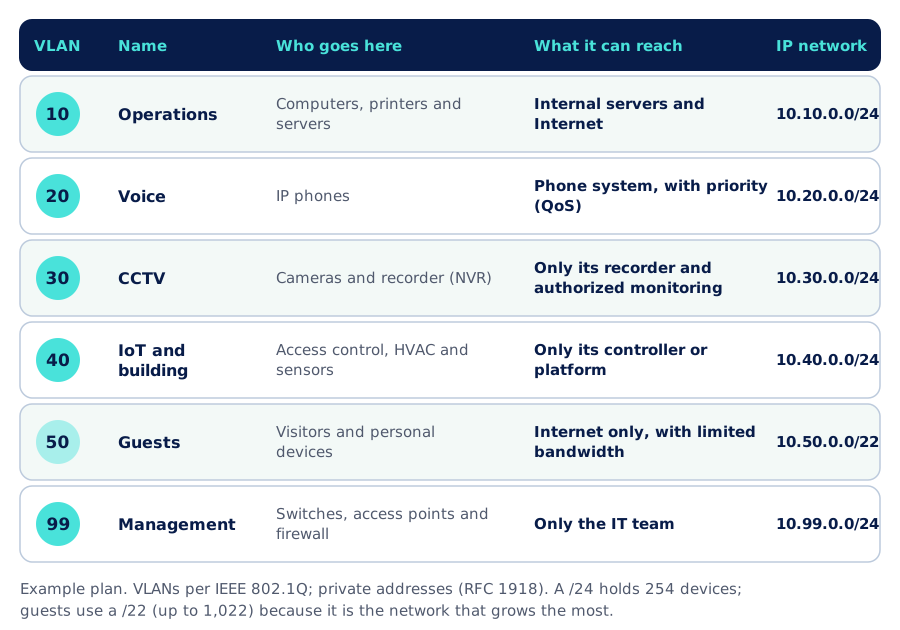
- Operations. Work devices and servers. It is the most protected network.
- Voice. IP phones on their own network, with priority over the rest of the traffic.
- CCTV. Cameras only talk to their recorder. Only authorized users see the footage.
- IoT and building. Access control, HVAC and sensors: devices that are rarely updated, isolated from the rest.
- Guests. Internet only, with limited bandwidth and no visibility between them.
- Management. Network devices are managed from a separate network that only IT can access.
Each VLAN has its own IP address range and its own DHCP service. Sizing each range well avoids running out of addresses as the network grows: in the example, the guest network is larger than the others.
So that one failure does not stop everything
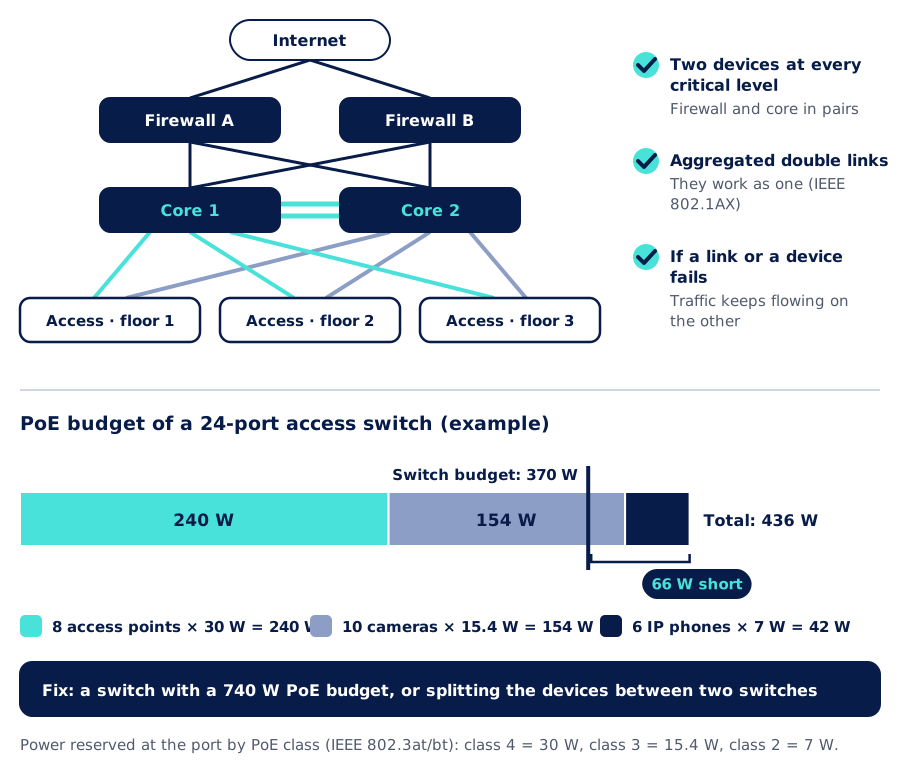
Separating brings order, but it is not enough: the network also has to withstand the failure of a device or a cable. The usual approach is a core of two switches and double links to each access switch, aggregated to work as one. If one fails, traffic keeps flowing over the other without anyone stepping in.
Power over the same cable: the PoE budget
Every PoE switch has a total power limit to share among its ports. Having 24 PoE ports does not mean it can power 24 devices of any kind. In the example, a 370 W switch is not enough for 8 access points, 10 cameras and 6 phones: it is 66 W short, and the last devices to connect do not power on. That is solved at design time, not when the camera is already on the wall.
Voice first: quality of service (QoS)
Voice uses little bandwidth but does not tolerate waiting: more than 150 ms of one-way delay makes it awkward (ITU-T G.114), and packet loss and jitter make it break up. With QoS, phones mark their traffic and the switches and firewall serve it first. A download can wait a few milliseconds; a call cannot.
Not tied to a brand
We design and implement segmented networks with Cisco, Ruijie, Ubiquiti UniFi and Fortinet equipment, among other brands, and choose based on the size of the network, what you already have installed and your budget. VLANs, priorities, link aggregation and PoE are standards (IEEE 802.1Q, 802.1AX and 802.3), so devices from different manufacturers can live on the same network.
The whole network on one screen
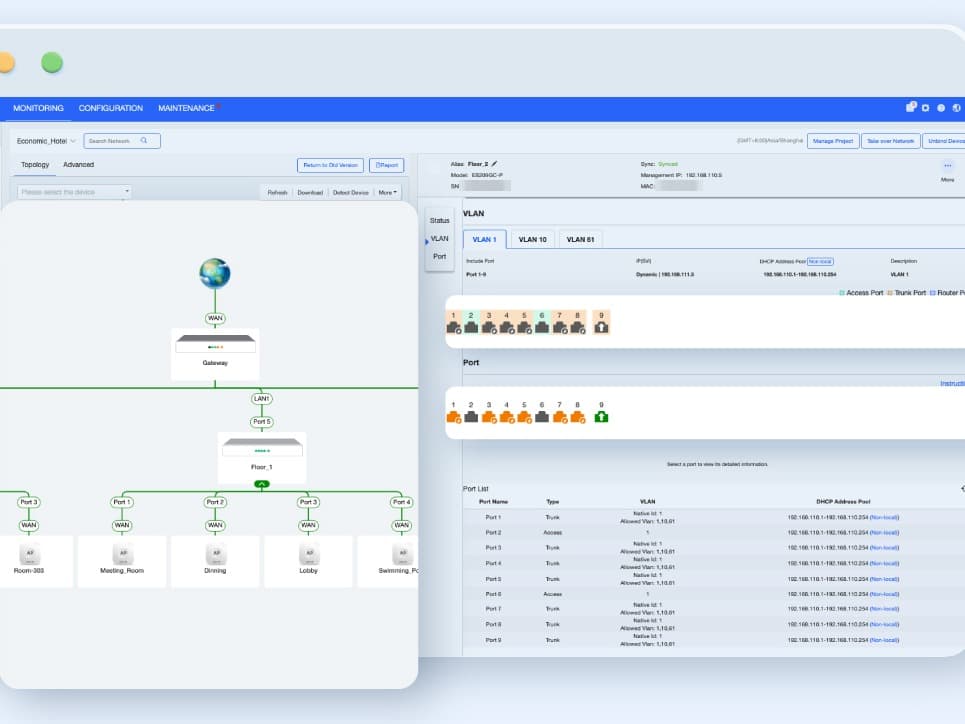
In the management console, every VLAN, switch and access point shows up by name: you can see what is connected, where and on which network. With that visibility, changes are predictable and a fault is found in minutes, not by walking the office cable by cable.
How we do it
- 1
Assessment and inventory
We survey what is connected: devices, switches and cabling, who uses what and which systems depend on the network.
- 2
Segment and rule design
We define the VLANs, their addressing and the rules between them, along with QoS, the PoE budget and redundancy.
- 3
Phased implementation
We move each group of devices to its network in windows agreed with you, after hours when needed, so operations do not stop.
- 4
Testing
We check that each group reaches only what it should and that the network keeps working when a link or a core device is disconnected.
- 5
Documentation
Logical diagram, table of VLANs and addresses, labeled ports and backed-up configuration.
- 6
Support
If we operate your network (network as a service or managed services), it is integrated into our management system, from which we monitor it and support you.
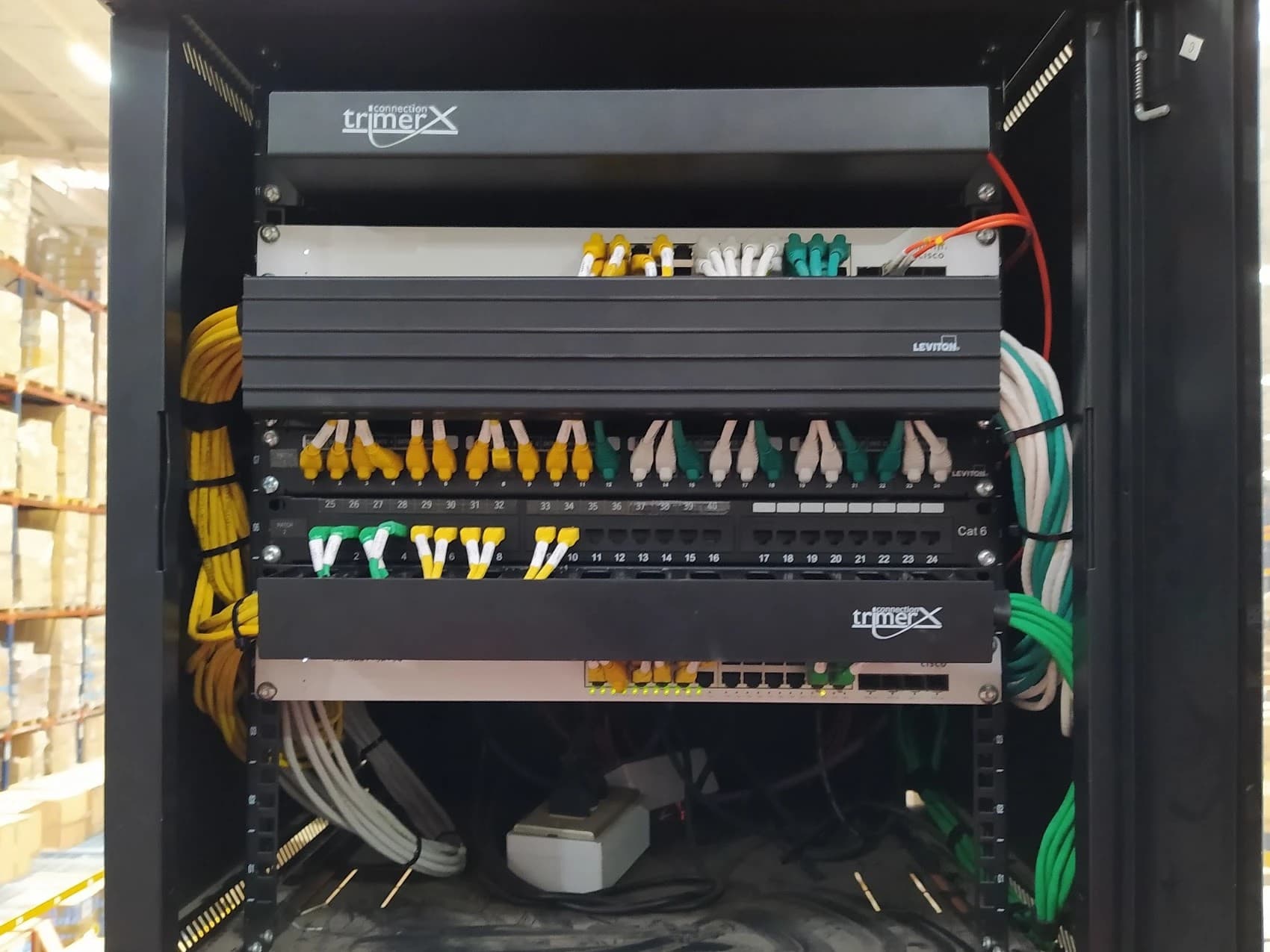
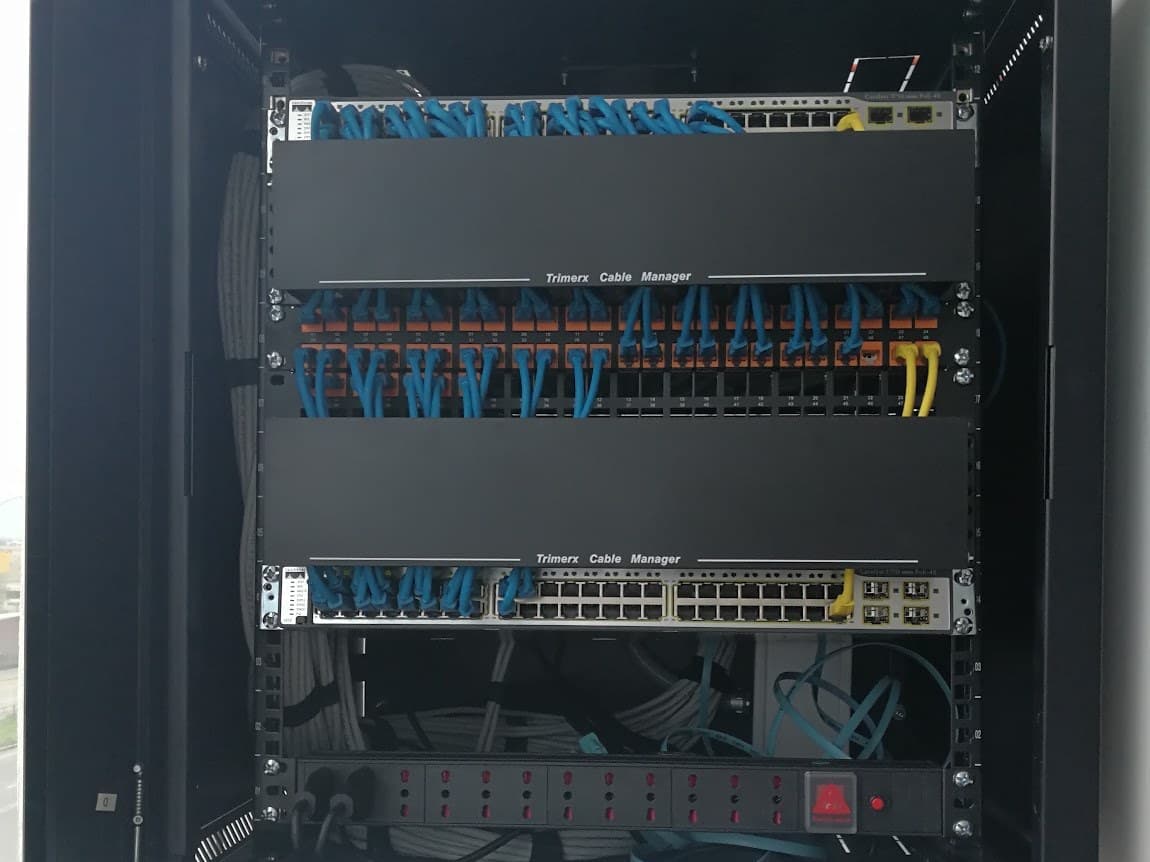
What changes
| Flat network | Segmented network | |
|---|---|---|
| Visitors | On the same network as everything else | Internet only |
| Cameras and IoT devices | Visible from any device | Isolated, with access only to their system |
| An infected device | Can reach the whole network | Its reach is limited to its segment and what the rules allow |
| Failure of a central device | The whole network stops | The backup takes over the traffic |
| Calls | Compete with all the traffic | Have priority |
| Changes and failures | Handled blind | With up-to-date documentation |
General comparison; it does not refer to any specific installation.
Further reading
AISCNET Learning, our technical training platform, has free articles for anyone who wants to go deeper:
- Inside the Switch: MAC, VLANs & STP: what a VLAN really does and how links are aggregated.
- Subnetting Without Tears: how to split IP addresses between networks.
- PoE Without Surprises: PoE classes and how to calculate a switch budget.
- QoS for Real: DSCP, Queues & Shaping: how the network decides which traffic goes first.
- VoIP That Sounds Right: what a call needs to sound right.
And free calculators:
- VLAN Decoder: what an IEEE 802.1Q tag looks like inside.
- PoE Budget: whether your switch can handle the load of your devices.
- Subnet Calculator: masks, ranges and number of devices per network.
- DHCP Scope: how many addresses are left on each network.
On this blog:
- Connected cameras and access control: segmentation applied to physical security.
- WiFi site survey: why measure before you install: designing the wireless network.
- From a tangled rack to a telecom room that makes sense: the physical order that goes with the logical one.
Tell us what you need through our contact form or learn more about our connectivity and networks service.
- VLAN
- Segmentación de red
- PoE
- QoS
- Cisco
- Ruijie
- Ubiquiti UniFi
- Fortinet